AstraGal – Backend
I have been working on AstraGal again for the past week after having a slight lull in productivity in August, I had just past my driving test (woohoo!) and spent aggges trying to find a car and sort out insurance. Now that’s all sorted and I have been working on the backend interface of AstraGal, which is now all finished and working.
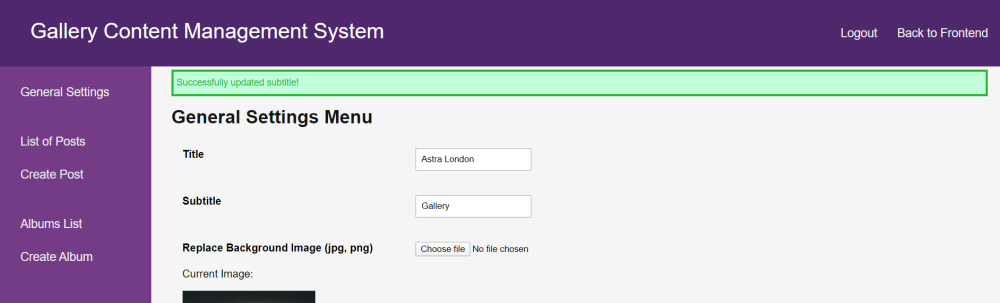
There are multiple pages the admin can access on the backend, the default being the general settings page. Here they can upload a new profile and background image for the website, as well as modify the title and subtitle of the site. They can also set up the featured images functionality I described in the previous post about AstraGal, as well as choose how many recent posts should be displayed on the front page (if any).
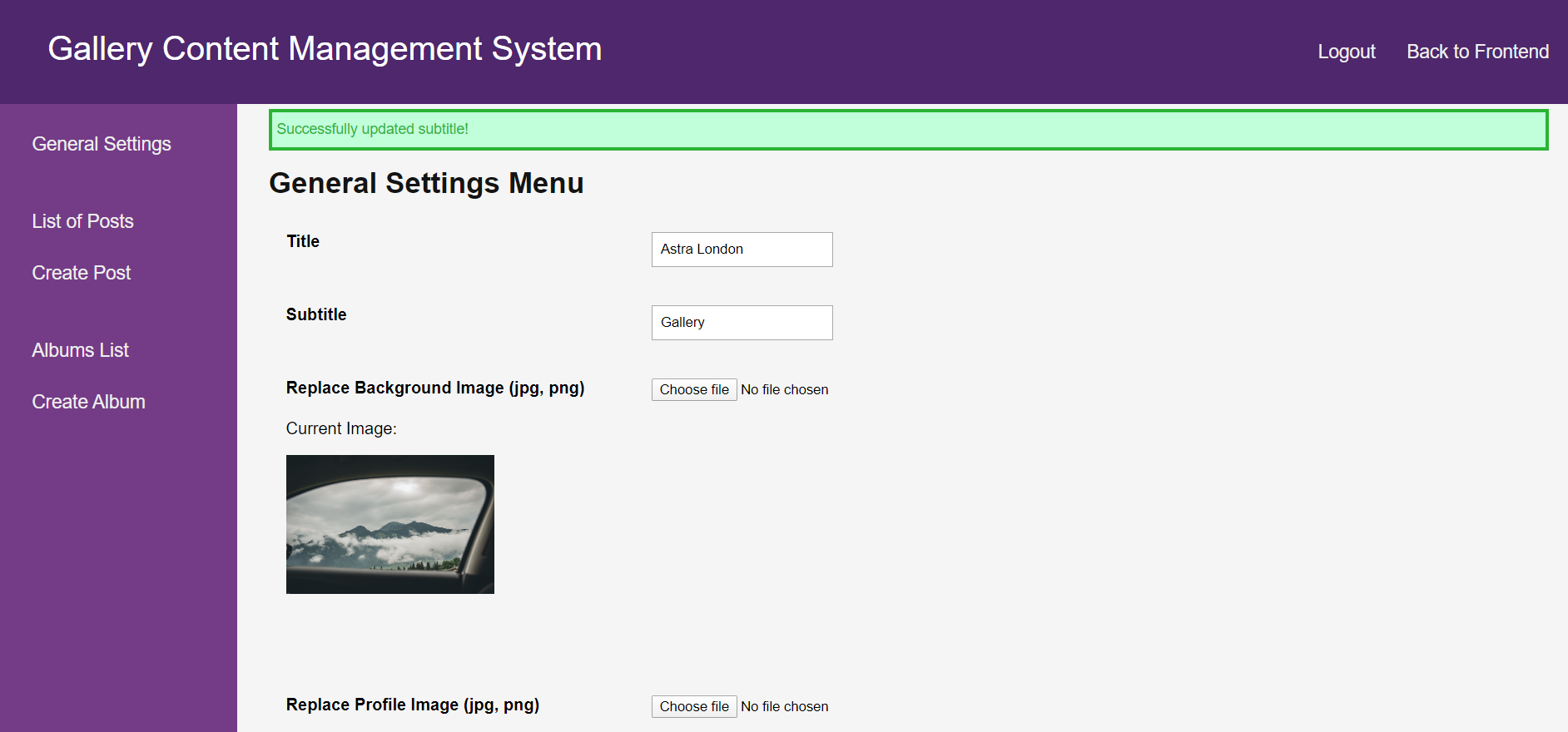
There are also pages for displaying all of the posts and albums on the website. This is useful for finding a specific post amongst many to edit or delete. There is also the ability to edit a post or album, which works in the same manner as adding one in the first place (quite similar to previous blog websites I have made in PHP). From the edit post page, a post can also have the album it belongs to changed, which is quite useful.
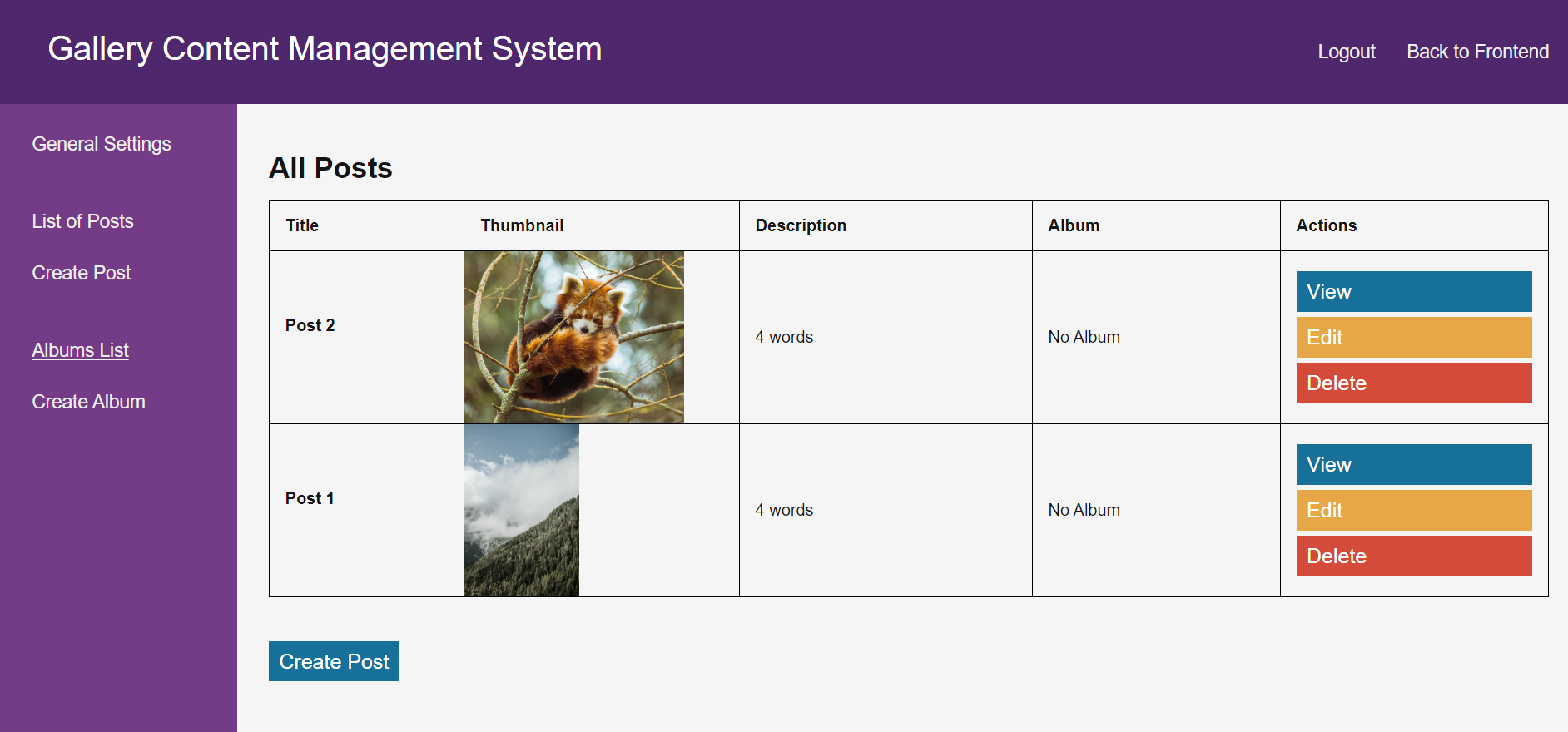
There is also a view for seeing the details of a specific album. This is useful if you want to know which posts are within a given album to edit or delete them (which there are handing quick links for).
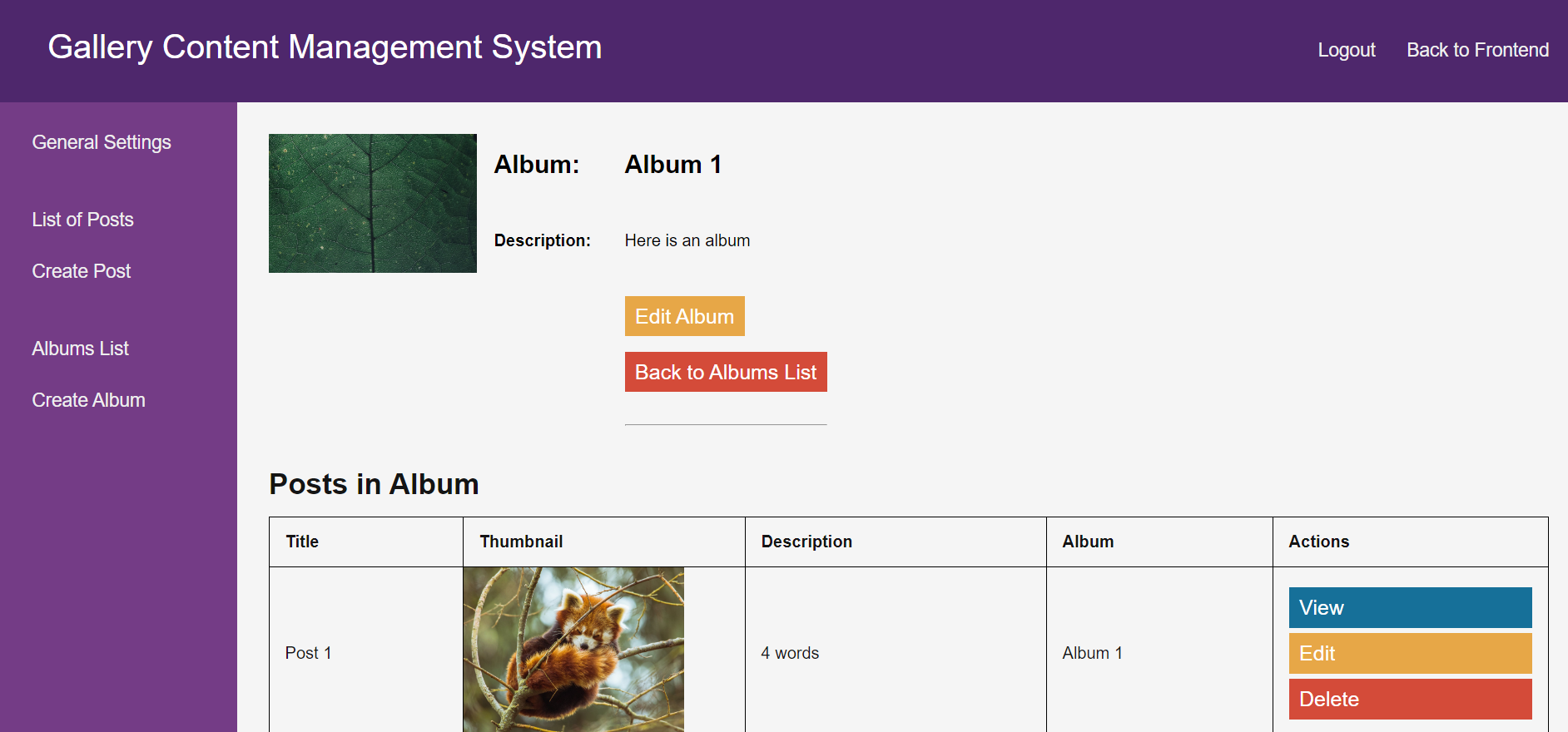
Another cool feature I have added is feedback messages. These popup when an action is taken on the backend interface and if the action is successful, it will notify the admin of what action just took place. If the action is unsuccessful however, say the user uploaded a file for the image that wasn’t a valid file format, an error will be displayed giving the user feedback as to why it failed. Here’s what happens when I try to upload an .ico file as the image:
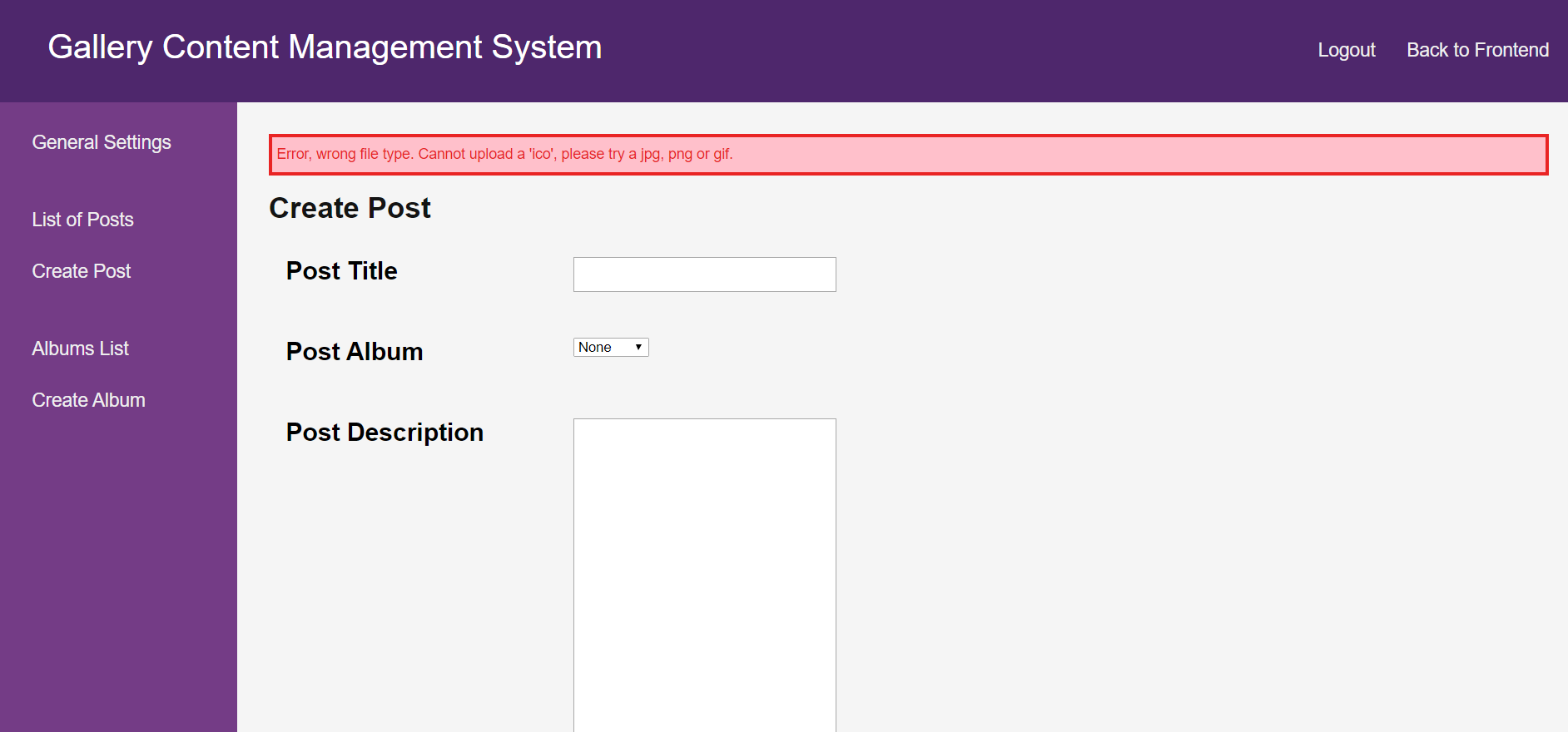
These took some warnings took some time to do and include:
- If no image, title or description for the post was provided
- If the image uploaded was too large
- If the image uploaded was not a valid file format
- If the image uploaded did not have a valid file extension
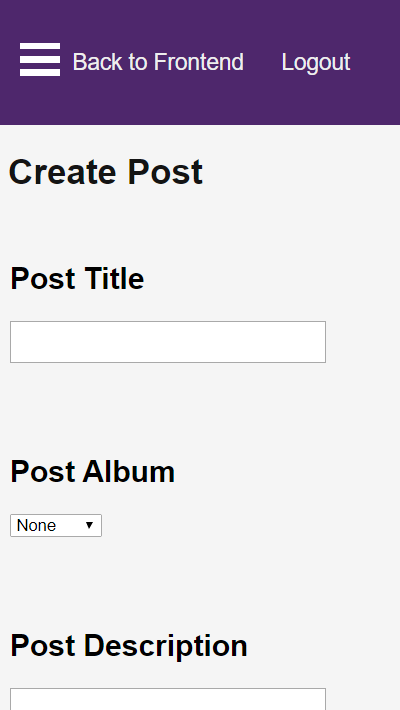
Finally, I made sure that the backend pages were all mobile responsive. This was actually quite easy due to the simple layout and design of the backend. Here is a view of the backend on an iPhone 5:
And that’s it! Next, I’m going to work on making the front end responsive and look nice, so stay tuned for that.