AstraGal – Final Touches (PDO, config, social links)
Hello once more! AstraGal is finally deployed and you can find the live site here. Here I will explain some of the final changes I made to make the site internet-ready. The screenshots are from before the site was edited by Astra so all of the content is still just dummy content.
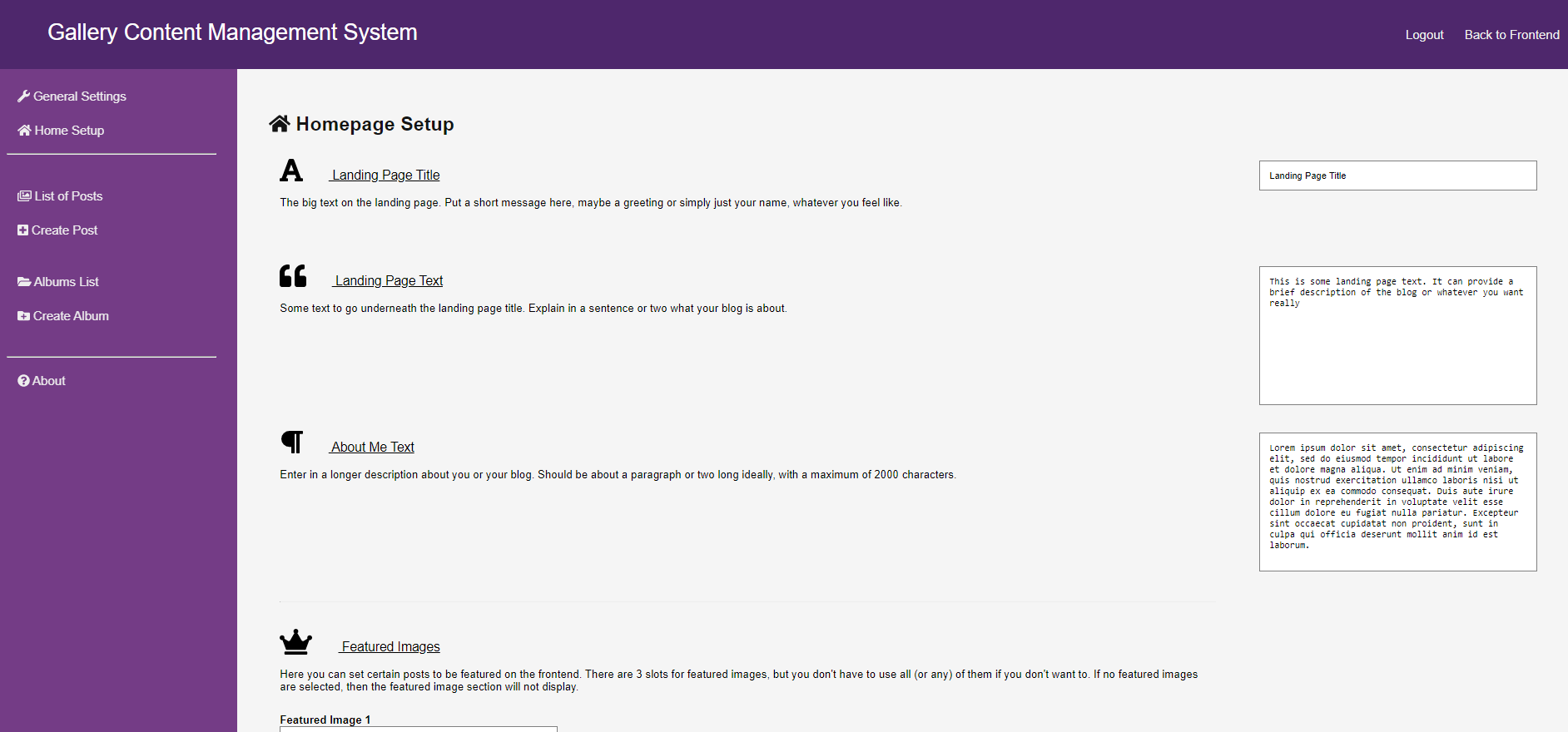
Firstly, I split up the backend general settings page by moving settings that had to do predominately with the homepage to a new section. I thought this was a good idea, because the general settings affect how the sidebar is displayed which shows up across the entire website, as opposed to the homepage settings which only affect one page. I also added some new icons to the different sections of the backend and I think it looks a lot better now:
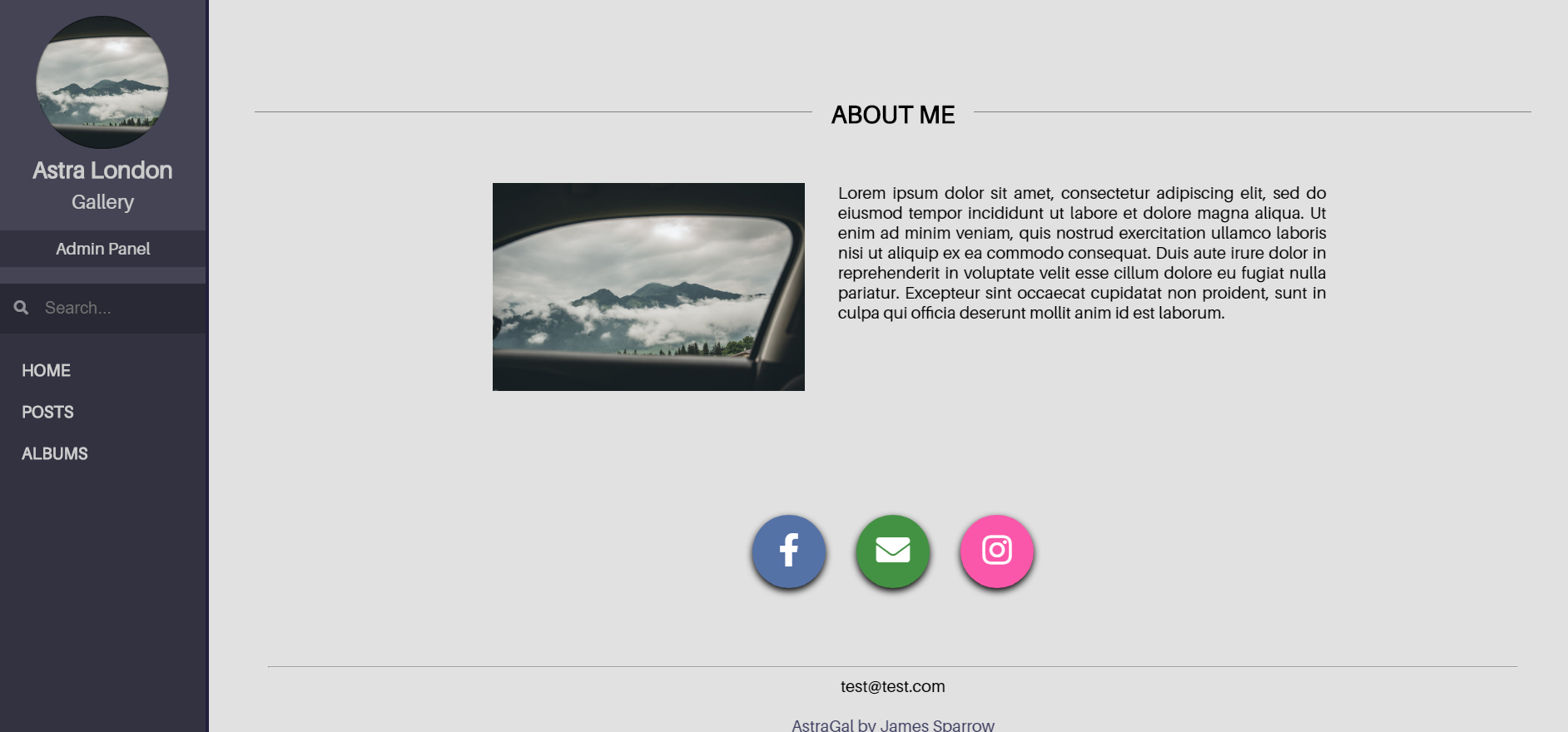
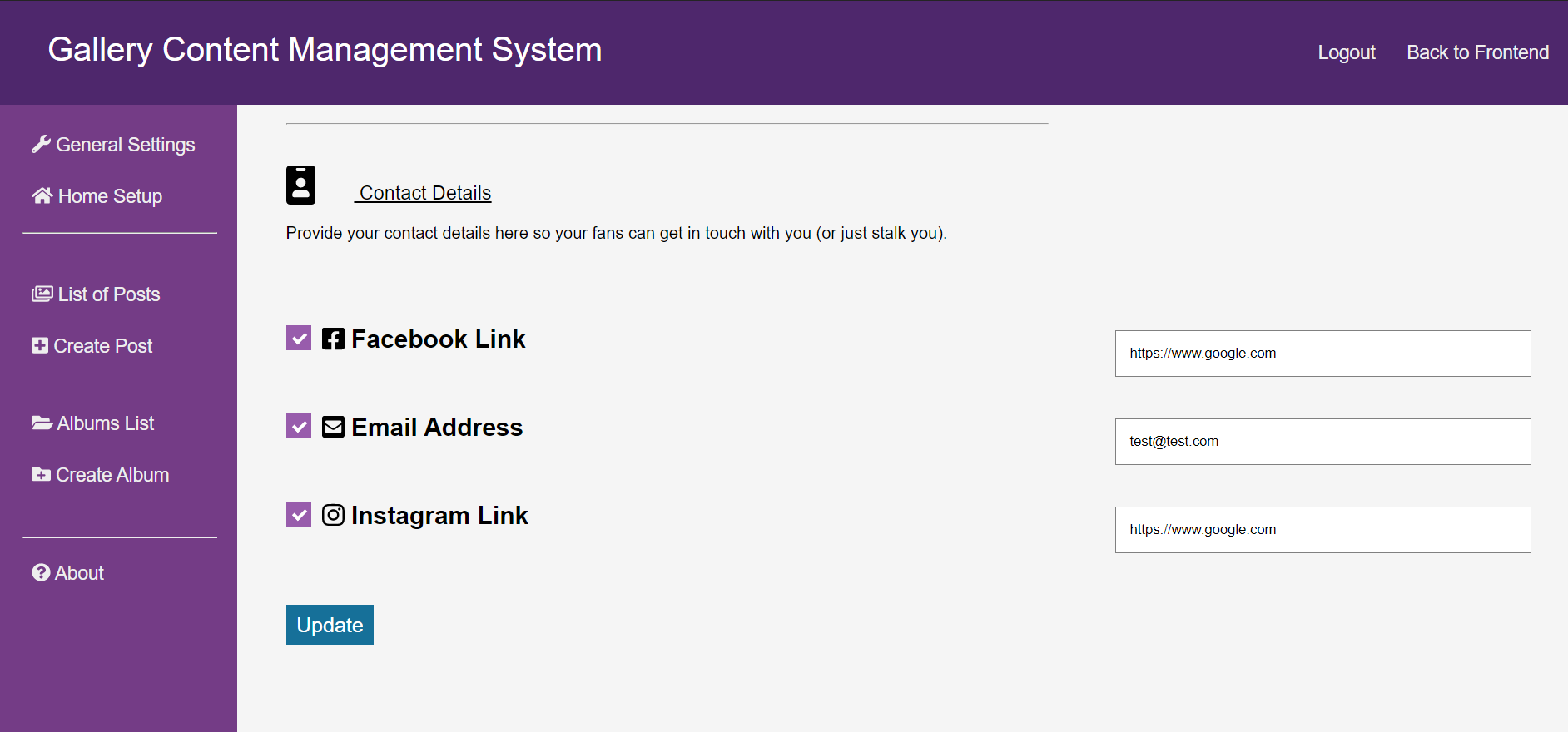
I also added social links for Facebook, Instagram and email. These little social links appear at the bottom of the homepage and I think they look pretty cool. I also added the ability to edit the links provided by them in the backend interface, and they can even be individually disabled if one or more isn’t needed:
The major work however was to make sure all of the database queries used PDO. This helps prevent SQL injections and generally makes the website more secure. It took a while to convert all of the queries over to PDO, and as I was doing so I came up with another cool idea of storing the strings of the database columns I was accessing as constants in a config file. These means that theoretically if I were to switch out the database for a new one with slightly different table or column names, it wouldn’t break the entire app as I could simply go into the config.php file and edit the name of these. This and the PDO is something I probably should have thought of sooner but hey, it’s all done and sorted now.
The project is now up on GitHub. although I had a different repository that I had been committing to up to this point, there was an issue with that repository (mostly because I didn’t understand how to use .gitignore files properly at the time), so to save the hassle I simply created a new repository and uploaded it there. You can now go and see all that messy code I’ve been working on for so long!
There is a lot I learned from this project, mostly that I should organise and commit to my projects more often. I have been using a system of ‘releases’ up to this point, thinking of git as simply a way to save various versions of a project instead of completing a feature and then committing. I also want to organise my projects more efficiently (the code for this project got a little bit messy even after a few clean-ups) and am thinking of using an MVC framework to do this, however it doesn’t make sense to go back and do this for this project now it is all secured. Either way, I’m quite pleased with how this project turned out.